
How It Works
What happens from the moment you contact BPEXCH Account until your BetPro account is working, and what to expect afterwards.
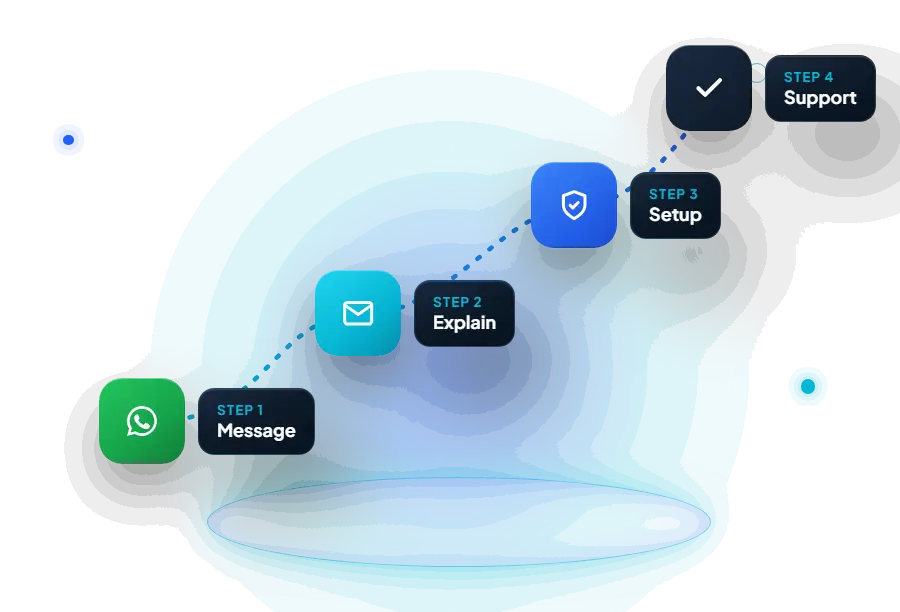
Step 1
You get in touch
Message Hassan on WhatsApp at +92 349 1451787. It is the quickest way to have a back-and-forth conversation, and it keeps everything in one place. If you prefer, you can email hassanbajwa6112@gmail.com instead.
You do not need to write a long message. “Salam, I need a new BetPro ID” or “I can’t log in to my BetPro account” is enough to start.
Step 2
You explain what you need
Hassan will ask a few questions to understand your situation. The questions depend on the request:
Share only what Hassan asks for. He will never need your OTP codes or bank passwords.
Step 3
Hassan handles the account side
Once he has what he needs, Hassan sets up the account, checks the access problem or processes the balance request. If anything depends on the BetPro platform or on a payment provider, he tells you so you are not left guessing.
For payments, he gives you the details to use directly in your conversation. Only use details that come from him.
Step 4
You receive login details or confirmation
For a new account, you receive your ID and starting password privately. Log in on the correct BetPro site and change the password straight away.
For a deposit or withdrawal, Hassan confirms when it has been completed. Keep your payment receipts until you see the change in your balance.
Step 5
Ongoing support
After setup, you keep the same contact. If you forget your password, need to add balance or want to withdraw, message the same number. There is no ticket system and no one new to explain things to.
How long does it take?
Honestly, it depends. It depends on what you need, when Hassan is available, and sometimes on the platform or on payment providers. He will give you a realistic answer when you first message him. BPEXCH Account does not promise instant results, and you should be wary of anyone who does.
What you should never share
The contact page repeats this, because it matters.
Process questions
Start with step one
Send Hassan a short message saying what you need.